 Executive
Assistant
Recent Orders
Low Stock Alert
Today's Checklist
📣 Team Announcements
🗓 Create New Event
Secrets Party Bookings
Active Promo Codes
Add Custom Code
Pending Payment Confirmation
CashApp orders below are awaiting your payment confirmation. Check your CashApp balance, then click Confirm & Route to release the order to the supplier.
📬 Auto-Routed Orders Log
PayPal and Apple Pay orders are auto-routed to suppliers on payment confirmation. CashApp orders appear here after you confirm them above.
📬 Enter Tracking Number
Paste the order ID and tracking number — system will auto-email the customer and update their Order History.
Supplier Fulfillment Cards
🌐 CJ Dropshipping 7–15 days
▼✨ Luxury Play — 1on1Wholesale 7–10 business days
▼Registered Customers
Secret Keepers — Team
Create employee accounts, view your team, and assign orders/bookings.
Active Employees
Employee Portal Info
Employees log in at a completely separate portal — they never touch the Back Office.
Executive Analytics
Live data from Firestore — refreshed on load.
Revenue Trend
Orders by Status
Top Products
Revenue by Source
Revenue Summary
Recent Activity
Recent Orders
| Date | Customer | Total | Status | Payment | |
|---|---|---|---|---|---|
| Loading orders… | |||||
Customer Intelligence
Payment Handles
Apple Pay is handled automatically through PayPal — no separate handle needed.
Delivery Settings
Flash Sale
Change Admin Password
Email & Notifications
Legal Vault PIN
Separate from your admin password — required to open the Legal Vault each session.
📞 Ashley's Contact Numbers
Platform 2.0 Master Specs — Quick Reference
The Dripping Secrets Platform is governed by 8 master documents. When any instruction conflicts with these, the volumes win.
| Volume | Name | Governs |
|---|---|---|
| 0 | Platform Constitution | Everything — highest authority |
| 1 | Customer Experience 2.0 | The public website & customer journey |
| 2 | Back Office Experience 2.0 | This admin interface — HQ design & all departments |
| 3 | Dimi Intelligence 2.0 | All Dimi behavior, modes, and AI architecture |
| 4 | Secret Keepers OS (SKOS) | Employee operating system |
| 5 | Commerce & Growth Engine | Products, suppliers, promotions, growth |
| 6 | Technical Architecture | How to build, deploy, rollback, and maintain |
Volume 0 — Platform Constitution (The Six Pillars)
Every feature, decision, and build must support these six permanent pillars:
- Luxury Shopping — Premium experience, never cheap, never cluttered, never generic.
- Education — Customers leave knowing more. Education builds trust, trust builds loyalty.
- Experiences — Secrets Parties, Private Shopping, Consultations, Events, VIP Services. Experience = just as important as the product.
- Community — Customers eventually feel like members, not buyers.
- Technology — Automation feels invisible. Technology simplifies — never complicates.
- Dimi — The heartbeat of the platform. Digital concierge, not a chatbot.
The Never-Break List (these systems are never touched without approval):
- Checkout · Orders · Authentication · Customer Accounts · Products & Product IDs
- Firebase · Firestore · Netlify Functions · EmailJS · Twilio
- PayPal · CashApp · Apple Pay · UPS Integration
- Dimi · Analytics · Accessibility · SEO · URLs · Admin Access
Adaptive-Dynamic Logo System™ — Dimi & Dripping Secrets Brand Assets
Dimi has 10 context-specific personas. Each visual changes based on where Dimi appears and what he's doing. DS brand has 11 additional context-specific visuals. All 21 assets are stored in /images/dimi/.
Dimi Personas:
| Context | File | Use When |
|---|---|---|
| Core / Welcome Concierge | dimi-core.jpeg | Homepage, general chat, default state |
| AI Hologram | dimi-ai-hologram.jpeg | Dimi AI feature pages, tech showcases |
| Product Expert | dimi-product-expert.jpeg | Product pages, product recommendations |
| Personal Shopper | dimi-personal-shopper.jpeg | Build-A-Box, cart, bundling |
| Customer Support | dimi-customer-support.jpeg | Support center, bug reports, order issues |
| Order Processing | dimi-order-processing.jpeg | Order confirmation, fulfillment updates |
| Shipping Tracker | dimi-shipping-tracker.jpeg | Shipping status, tracking pages |
| VIP Concierge | dimi-vip-concierge.jpeg | Membership, VIP section, exclusive content |
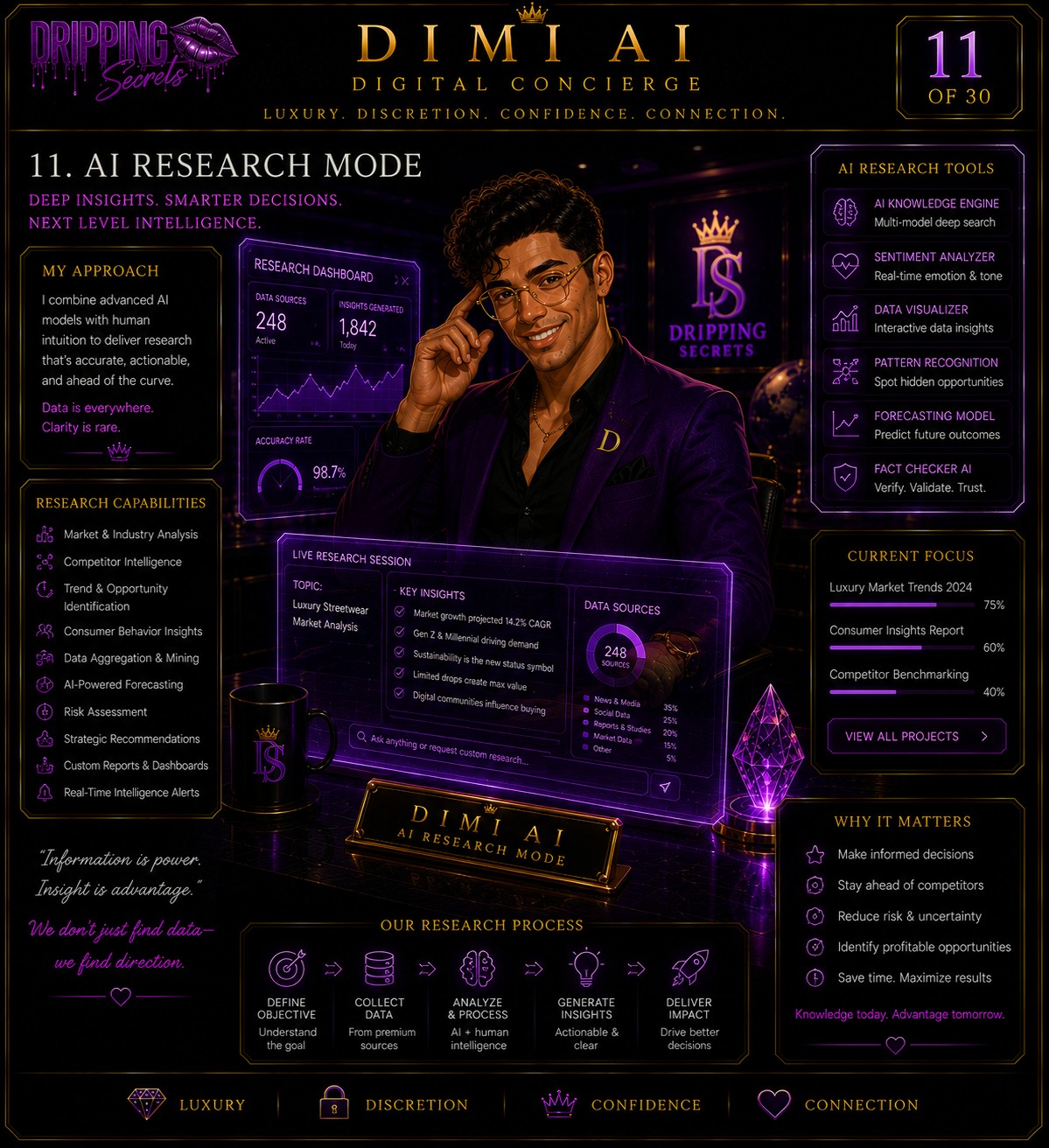
| AI Research Mode | dimi-ai-research.jpeg | Analytics, executive reporting, business intelligence |
| AI Event Host | dimi-ai-event-host.jpeg | Events, Secrets Parties, bookings |
Dripping Secrets Brand Assets:
| Asset | File | Use When | ||
|---|---|---|---|---|
| Luxury AI Concierge | ds-luxury-ai-concierge.png | Feature pages, Dimi intro sections | ||
| Email Signature | ds-email-signature.jpeg | All outbound email signatures | ||
| Dripping Secrets Selfie | ds-selfie.png | Social content, behind-the-scenes | ||
| Content Creator | ds-content-creator.jpeg | Creator program, social media engine | ||
| Affiliate | ds-affiliate.jpeg | Affiliate program pages, commission center | ||
| Customer Care | ds-customer-care.jpeg | Support, feedback, accessibility center | ||
| Luxury is a Lifestyle! | ds-luxury-lifestyle.jpeg | Homepage hero, campaign banners | ||
| VIP Event | ds-vip-event.jpeg | VIP events, party pages, bookings | ||
| Social Content Creator | ds-social-content-creator.jpeg | Social media, influencer pages | ||
| Logistics | ds-logistics.jpeg | Shipping, fulfillment, order tracking | ||
| Loading… | ||||
🎯 Candidate Concierge — Hiring Pipeline
Track every candidate from application to first day. Pipeline stages: Applied → Under Review → Interview → Offer Sent → Onboarding → Hired.
How to use it:
- Click + New Candidate and enter their info.
- Use the → Next button to advance them through the pipeline.
- Click 📝 Offer to pre-fill an offer letter — it opens Document Studio automatically.
- Stage counts at the top update live so you can see your pipeline at a glance.
All candidate records save to Firestore under the candidates collection.
🎫 Customer Support — Ticket Tracker
Log and resolve customer issues, refund requests, delivery problems, and product questions — all in one place.
How to use it:
- Click + New Ticket → fill in customer info, issue type, and description.
- Tickets auto-number (starting at #1001) and track priority.
- Click ✓ Resolve to mark a ticket done — counts update instantly.
- Use the filter bar to view only Open, Pending, or Resolved tickets.
📡 Communications — Announcements, Log & Campaigns
Three sub-tabs: Announcements (push to SK portal), Message Log (email/SMS/call record), Campaign Records (marketing history).
Announcements:
Post messages your Secret Keepers see on their portal. Pin important ones to keep them at the top.
Message Log:
Manually log any outreach — email, SMS, phone, DM — for your records. Keeps everyone accountable.
Campaign Records:
Track social and marketing campaigns with platform, reach, and status fields.
✍️ E-Signatures — Live Signing with Fonts
Every signable document in the Back Office uses the live e-signature modal. No third-party service — built right in.
Two signing modes:
- Draw: Sign with your mouse or finger on the canvas.
- Type: Type your name and pick from 4 signing fonts (Great Vibes, Dancing Script, Allura, Sacramento).
Signatures are injected directly into PDFs and signature records are stored in Firestore with signer name, title, and timestamp.
💰 Finance Wing
Live revenue, payroll quick-actions, and commission tracking — all pulled from Firestore orders in real time.
Use the + Generate Pay Stub button to jump directly to Document Studio → Pay Stub for any employee.
✅ Approval Center
Centralized queue for anything that needs your sign-off: offer letters, creator marketplace applications, product publishing requests, and refund approvals.
Counts come from live Firestore data. Click Review → on any item to jump directly to the relevant tab.
📄 Document Studio — Certs, Offer Letters & Pay Stubs
Three document types, all generated on-demand with the official Dripping Secrets letterhead:
- Pay Stubs: Biweekly, employees only. Regular + Overtime + Event Commission. Auto-numbered. CERTIFIED/OFFICIAL PAYROLL RECORD watermark.
- Certificates: 10 cert types for Dripping Secrets Academy. Inject 11 fields into the locked master template. Downloads as a PDF.
- Offer Letters: DS-branded letterhead, all 8 candidate fields, pale plum signature area, e-signature supported.
Dripping Rewards
Manage loyalty members, adjust points, grant rewards, and view tier distribution.
Adjust Customer Points
Loyalty Members
| Name | Points | Lifetime | Tier | Redeemed | |
|---|---|---|---|---|---|
| Secret Keeper | Module Progress | Completion | Score | Status |
|---|---|---|---|---|
| No progress data yet | ||||
🟢 Passed · 🟣 In Progress · ⚫ Not Started
`; }).catch(() => { wrap.innerHTML = 'Could not load team data.
'; }); }).catch(() => { wrap.innerHTML = 'Could not load progress data.
'; }); }Subscription Management
Manage subscribers, shipment queue, and recurring revenue.
Subscriber List
Shipment Queue — Next Cycle
Community Moderation
Review posts, manage members, handle reports across Secrets Society areas.
Flagged / Recent Posts
Creator Marketplace
Approve applications, manage featured creators, view earnings and rankings.
Creator Applications
Media Hub — Publishing Center
Publish articles, guides, interviews, and stories. Manage the full content library.
Publish New Content
Published Content
Signature Console
QR verification · Audit trail · Workflow engine · Certificate registry
Document Studio
Generate official Dripping Secrets payroll documents.
👤 Employee Info
💵 Earnings
🧾 Deductions
Social Security & Medicare auto-calculated from gross. Enter actual withheld amounts for all others.
📊 YTD Totals
Cumulative year-to-date figures including this pay period.
💳 Payment Method
Live Summary
Note: TX has no state income tax. Federal tax is not auto-calculated — enter the actual withheld amount. SS and Medicare auto-calculate from gross.
💰 Finance Wing
Revenue overview, payroll history, commissions, and financial reporting.
📊 Revenue by Month
🏆 Top-Selling Products
👥 Payroll Register
Payroll records are generated via Document Studio → Pay Stub and stored here when implemented with Firestore payroll collection.
🎯 Commission Tracking
Full commission ledger integrates with Firestore payroll collection in Platform 2.0 — connect via Back Office → Settings → Integrations.
✅ Approval Center
Review and approve content, offers, applications, and team actions that require your sign-off.
📋 Approval Queue
⚡ Quick Actions
Executive Asset Library
Every approved Dripping Secrets brand asset — organized, searchable, and one click away.
Social Engine
AI Content Department · Creative Director: Dimi

LIVE STOCK Luxury Play — Stock Sync
Pulls live stock levels from the supplier feed and updates your Luxury Play catalog automatically. Out-of-stock products are hidden from customers instantly.
Sync typically takes 5–10 seconds.